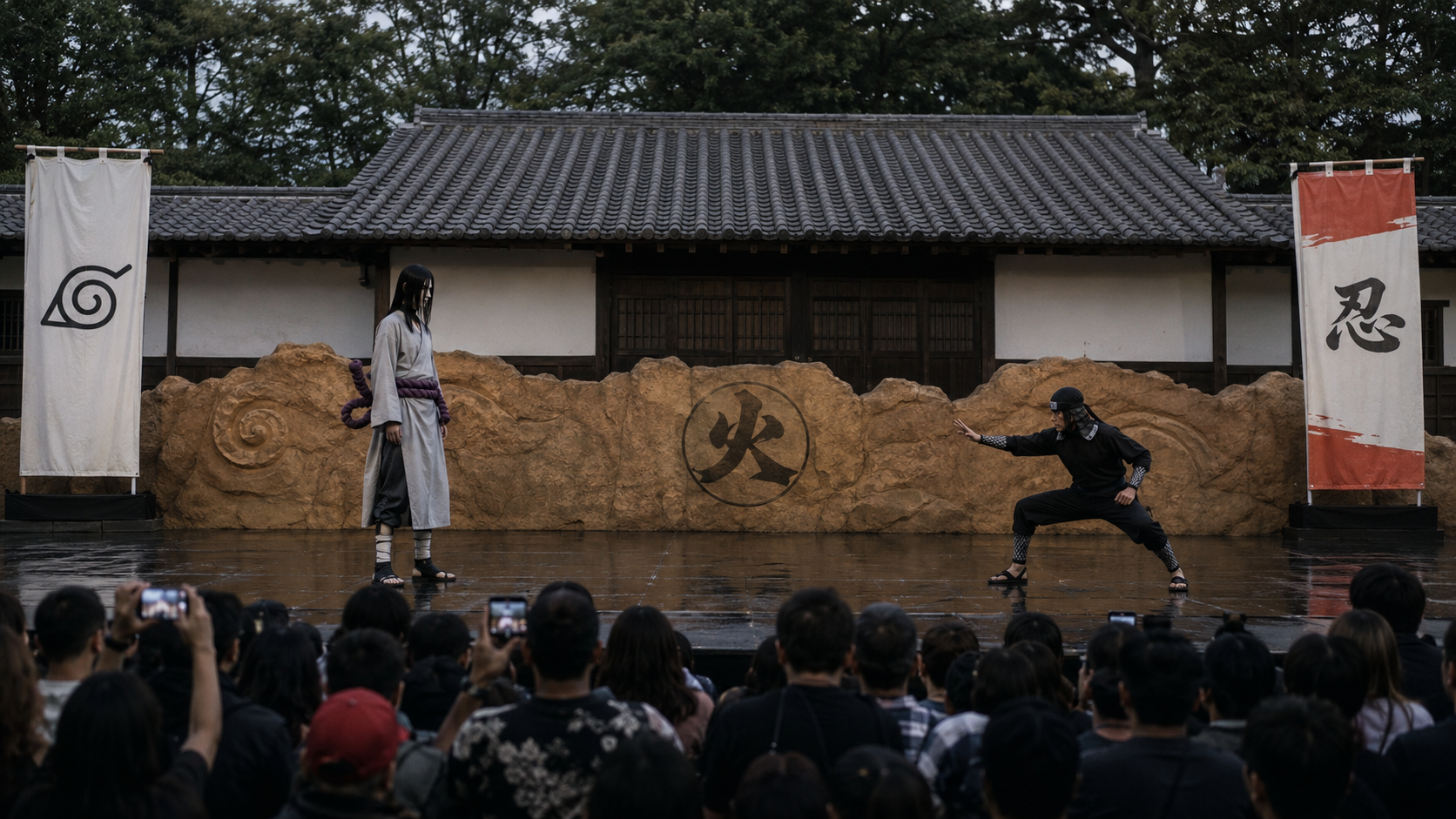

Step 1. Show the video to Claude(download the video and drag and drop it into CLAUDE)
Then Place the prompt below🔽
We will extract the prompts for the starting frame image then extract the video prompts with perfectly accurate action, camera movements, and timing with realistic VFX and sounds. First analyze and extract the prompt for the starting frame image that will look exactly like the reference video’s starting frame.
Step 2. Take the prompt that Claude created and go to Chat GPT image V.2 and insert the prompt. TIP: insert the anime image as a reference image to Chat GPT for accuracy.
You will get an image like below🔽

Step 3. Show this image to Claude(drag and Drop) then write the prompt below. TIP: it has to be the same chat page in Claude where you showed him the original video to analyze. And write the prompt below🔽
This image is the image that we will you as the starting frame for our video, now analyze the reference video in 30 frames per second in order to copy the video perfectly, and extract the prompts from the reference video above with the action movements, dialogues, camera movements, the sound effects, realistic high budget Hollywood style VFX, and audience reaction perfectly matching the original reference video.
Step 4. Then Claude will give you the video prompt. Place the video prompt to Seedance 2.0 and generate the video.
TIP: There will be errors and weird parts from the generated video. So you have to keep chatting with Claude, tell him which part is off / describe how it is different from the original video, and ask him to analyze the original video again, then fix the prompt. Keep doing this until you get the perfect video.
This is the example of how I talked to Claude for the fixed prompt🔽
The video has issues. analyze the original video again and compare the video with the direction I give you here below the dialogue must be from the left performer creating a realistic distance from the voice to the camera spot, second dialogue must be from the right performer. the action also has issues. the left performer shoots its skill towards the right performer but while the skill is coming towards the right performer the right performer must shoot the fire skill so that the both skill collides in the middle of the mid air and the right performer’s fire skill pushes the left performer’s skill burning it into ashes.
Step 5. This is the result (If you need video tutorial CLICK HERE)